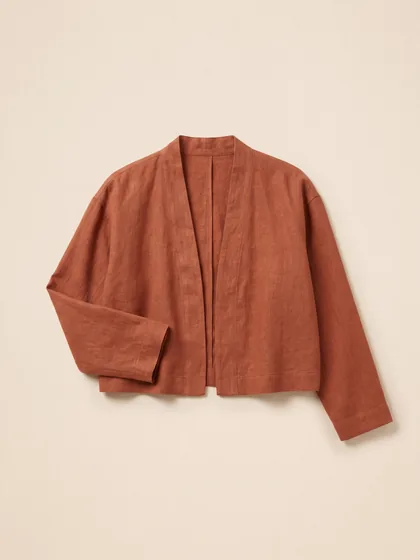
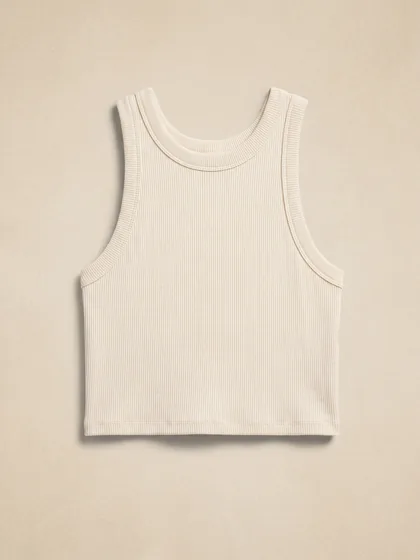

They fill a fitting room
A second button on each product page adds the piece to a room that follows the shopper around your store. Up to eight pieces by default, and the cap is yours to set. The room lives on the shopper’s device.
● Platform
Shoppers build a fitting room, Riti styles it into ranked looks, renders the outfit on their own photo and hands the whole look to your cart. Your backend reports the order and Riti credits the try-on that sold it.
Fitting room
Everything happens on your product pages. There is no redirect, no app to download and no sign-up between a curious shopper and their cart.
A second button on each product page adds the piece to a room that follows the shopper around your store. Up to eight pieces by default, and the cap is yours to set. The room lives on the shopper’s device.

One tap on “Style these together” ranks the wearable combinations, names the best one, and flags any pairing it would change, with a swap.
The whole outfit is rendered onto one photo. Sizes are picked per piece on the same screen, and the look goes to your cart in a single tap.
Stylist
The stylist picks from combinations that can actually be worn, built from what is in the room. It cannot invent a look your catalogue does not contain.
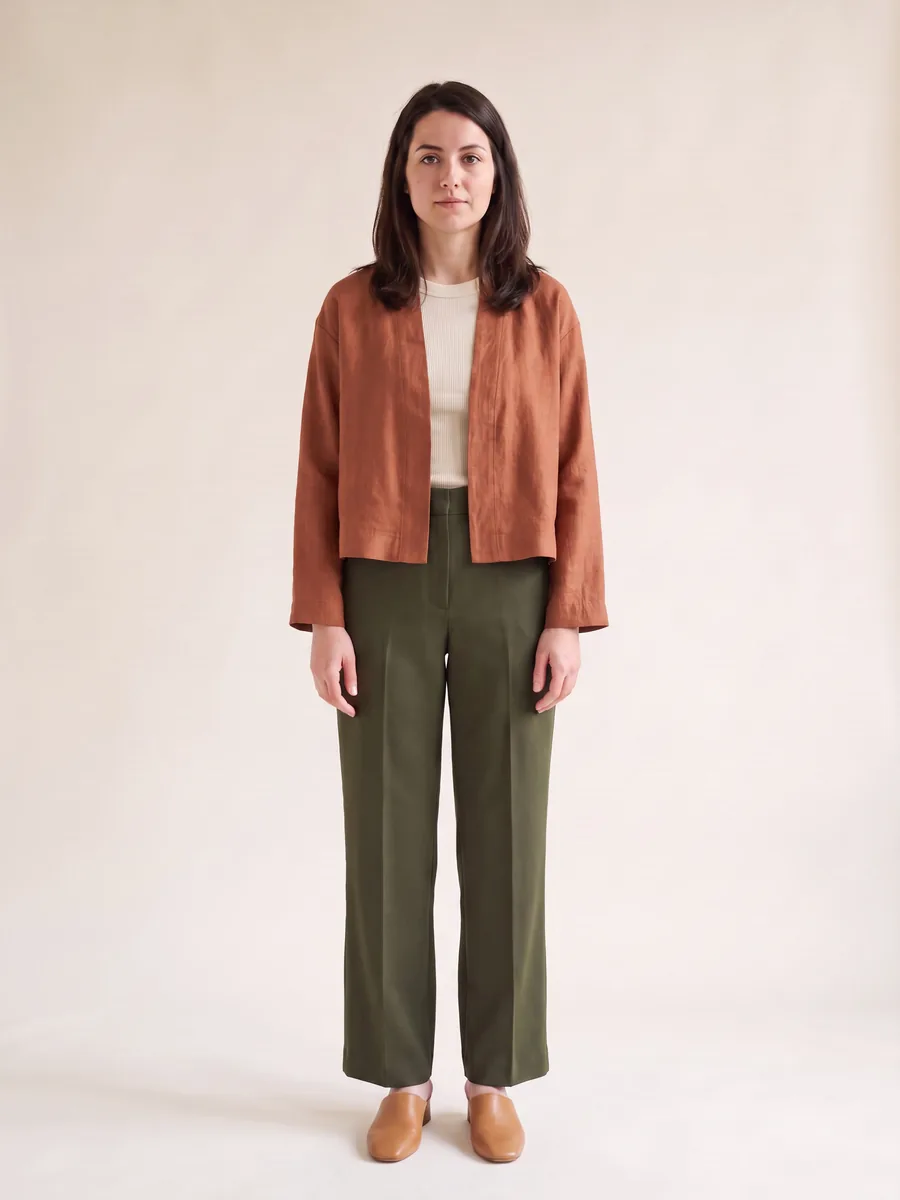
The cropped jacket gives the wide-leg trouser a waist to work against. The ribbed tank keeps the layering light.
The same trouser without the jacket. The tank’s higher neckline keeps the silhouette from reading top-heavy.
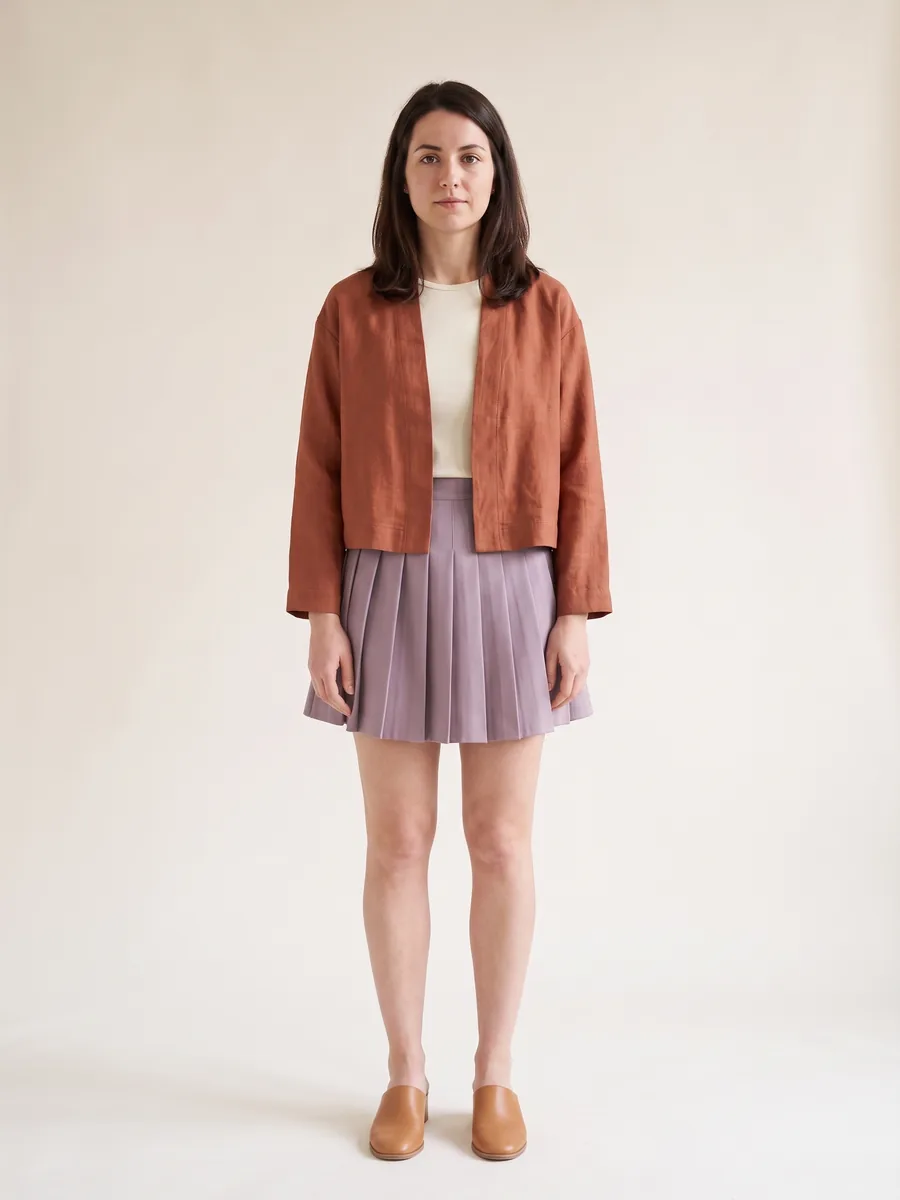
Both hit at the waist, so nothing anchors the outfit and the leg reads shorter.
Riti builds every wearable set from the room first: one top and one bottom, or a dress, plus optional outerwear, shoes and an accessory. Only then does it rank them.
Proportion, layering, neckline and colour, specific to the two garments in question. Filler such as “versatile piece” is rejected before a shopper sees it.
When the stylist disagrees with a pairing, it names a piece that works instead. A criticism with no wearable alternative is dropped.
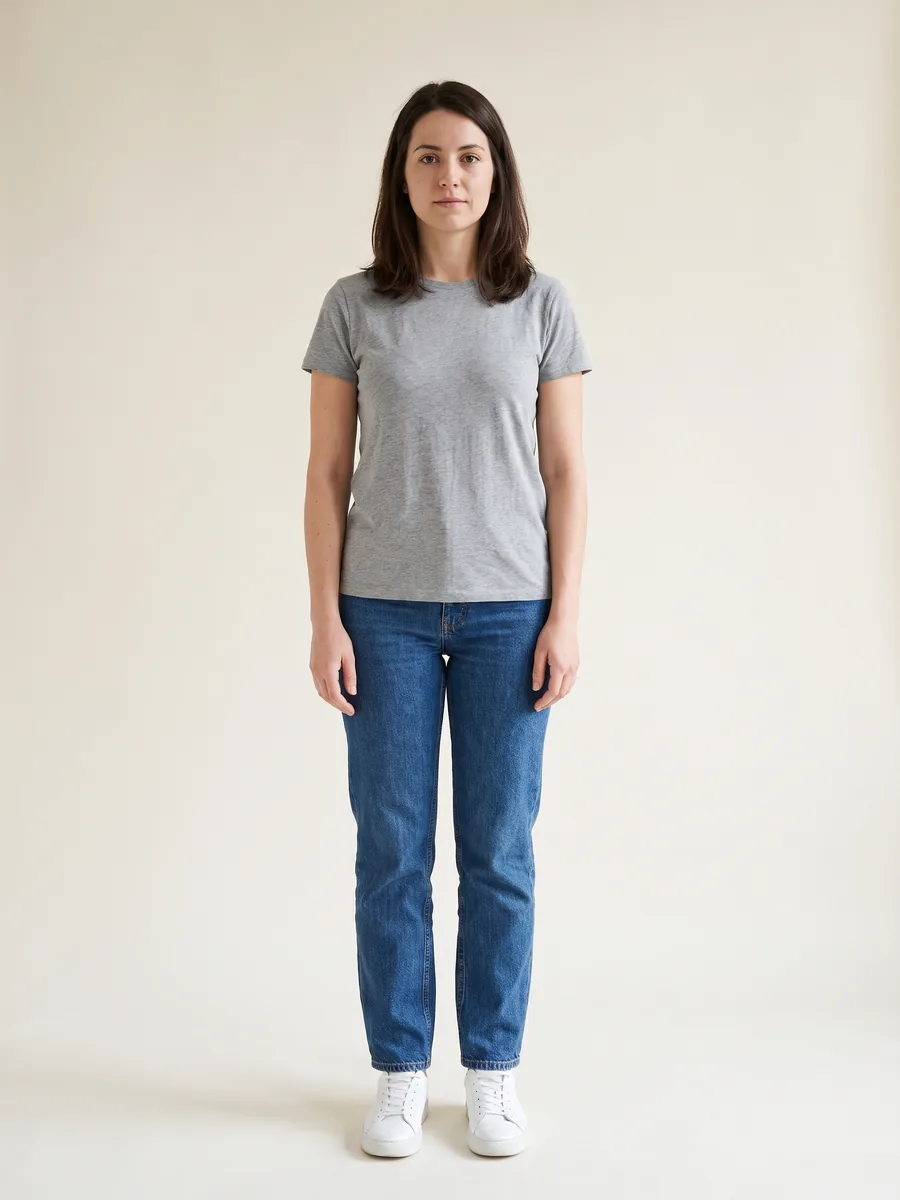
 youtry-on · 1 garment
Single-item try-on
Not every shopper is building an outfit. A single try-on is one tap from the product page.
Engine
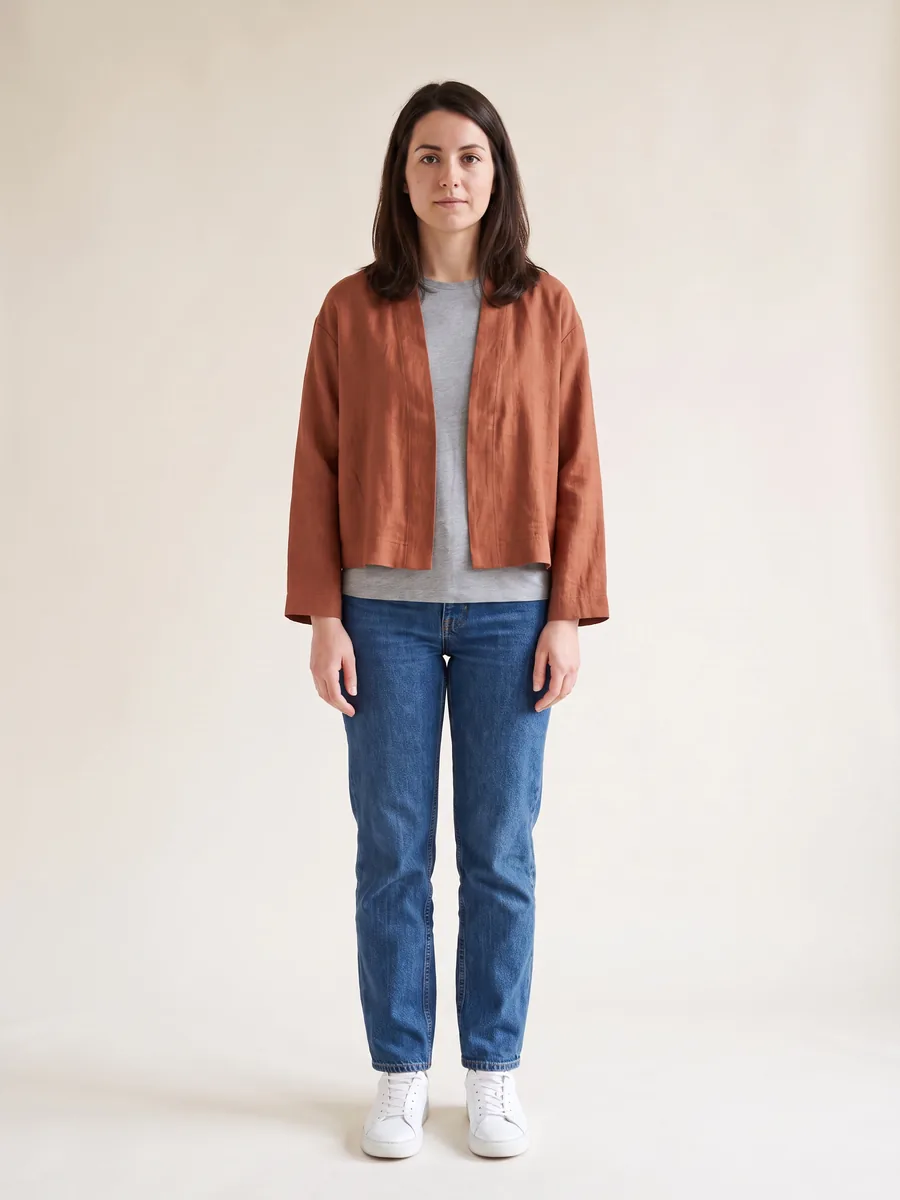
The engine layers up to four garments onto the shopper’s photo in a single render. You are billed for one render, however many pieces are in it.
Jacket, top, bottom and shoes go on in one pass. The processing screen names each layer as it is applied.
Renders route across model providers. An unhealthy provider is paused by a circuit breaker and the next one takes over.
Riti works out each garment’s slot and layer from your product data, so a cardigan layers under a coat.
A unit of quota is reserved before the provider is called and handed back if the provider never ran. Failed renders are not billed.
Linen Jacket$148+ RoomRibbed Tank$54+ Room Pleated Mini$96+ Room
Module · Recommendations
After a shopper adds a piece to the fitting room, a sheet suggests what completes the look, similar pieces and a different take. Inside the room, a rail fills the slots the room still lacks.
PUT /api/v1/catalog/products or a CSV, TSV or JSON feed Riti pulls on a schedule.Attribution
Each cart line carries the try-on’s eventId. When your backend reports the order, Riti credits the matching lines once. Repeat reports of the same order change nothing.
Example data Figures on this page are illustrative.
Tenant console
Accounts are invite-only, with owner, developer and viewer roles. A test/live switch at the top changes every page between the two data sets.
| Member | Role | Status |
|---|---|---|
| Owner account | owner | active |
| Storefront engineer | developer | active |
| Merchandising lead | viewer | invited |
Example data
Your storefront
The widget takes its look from your settings and your product data. You choose where it appears.
Button text, fill, text colour and corner radius come from the console, or per mount through options.button.
By default every product you mount is eligible. Automatic mode matches apparel by keyword and leaves the rest of your catalogue alone.
Riti.launcher() adds a floating “Fitting room” pill with a live count, so listing and cart pages can open the room too.
We set up a test tenant, wire it to one of your product pages, and walk your team through the console.