Riti EnterpriseOn Shopify? Get the Shopify app →

● Demos

Two reference stores, both integration paths.

Northwind and Ember & Oak are fictional storefronts running against the production API. Each puts a live webhook feed and isolation probes beside the product page, so your engineers can see what happens behind every tap. Both are passcode-protected; ask and we will send access.

Sample Riti render: a black belted trench over a floral midi skirt
publishable key

Northwind

The fastest path to a live try-on. One script tag, a pk_ key and an origin allowlist. No backend changes until you report orders.

  • Try on a single piece, or fill a room and style it
  • Add a look to the demo cart and place an order
  • Watch cart.added and conversion.attributed arrive
Riti.init({ publishableKey: "pk_test_…", onAddToCart });
Riti.mountAll();

Sample Riti render: a textured monochrome outfit
session tokens

Ember & Oak

The locked-down path. The store’s backend mints a short-lived rst_ token for each visitor with its secret key, so no key lives in the page.

  • A shopper reference stamped on every event
  • Order reporting and signed webhooks end to end
  • A test/live switch beside the product page
Riti.init({ getSessionToken: () => fetch("/riti-session", { method: "POST" }).then(r => r.json()) });

Walkthrough

Ten minutes on a demo store.

The order below follows one shopper from photo to attributed order, then checks the walls between tenants.

  1. 01

    Try a piece on

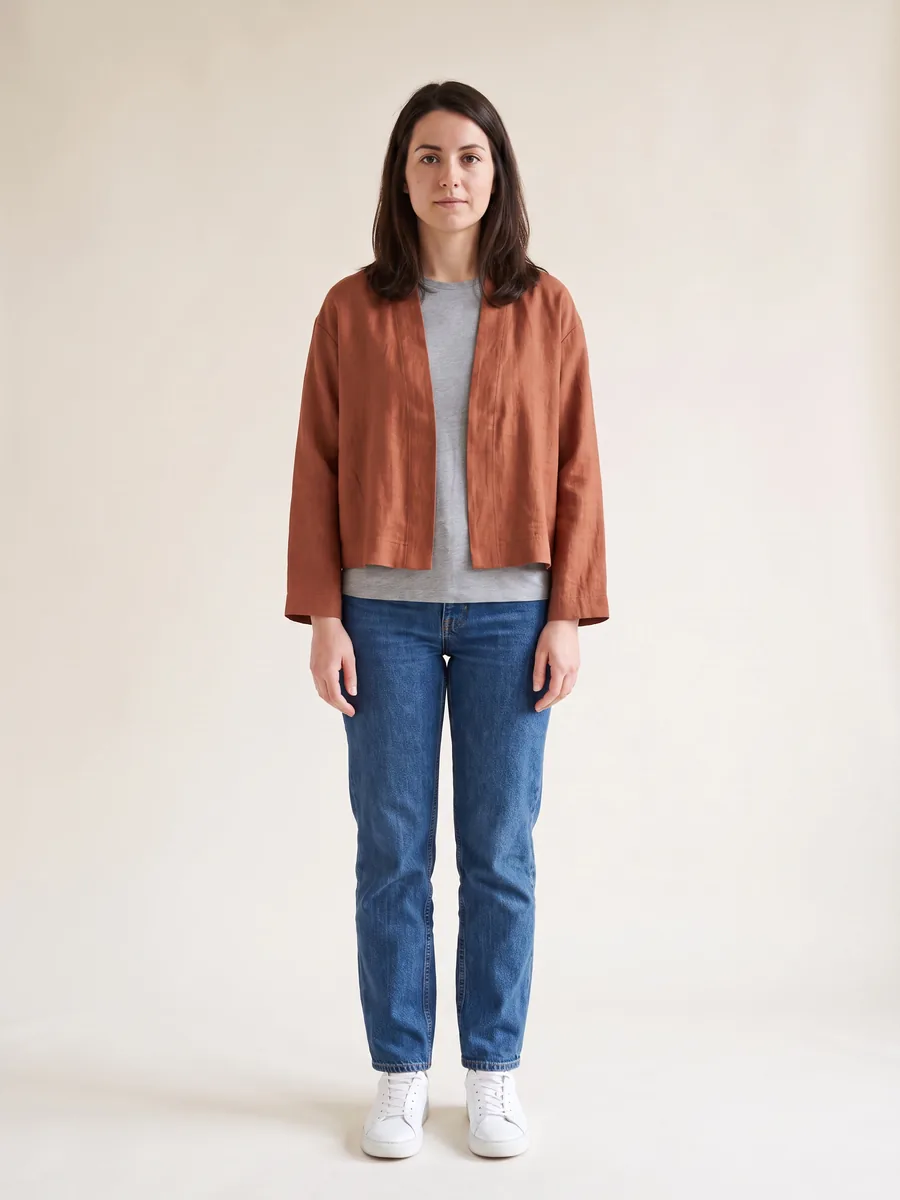
    Upload a photo or use the sample shopper. The try-on renders in the modal, with a slider to compare it against the original photo.

    The shopper's own photo Try-on result: the cropped linen jacket
  2. 02

    Fill a room and style it

    Add three or four pieces to the fitting room and tap “Style these together”. The stylist returns ranked looks and flags a pairing it would change.

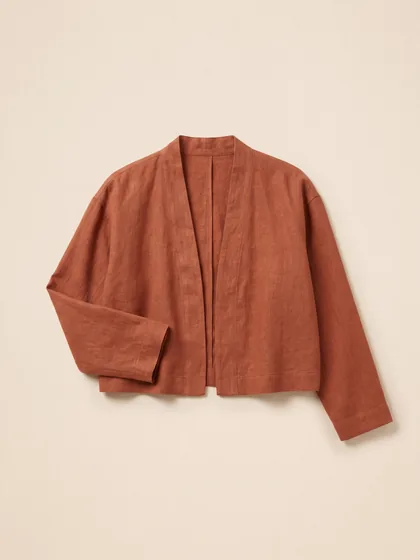
    Cropped linen jacket Ribbed knit tank Wide-leg trouser Pleated mini skirt
  3. 03

    Add the whole look to cart

    Pick sizes per piece and add the look in one tap. Each cart line carries the try-on’s eventId.

    cart.added 3 lines 200 eventId … (kept on each line)
  4. 04

    Place the order

    The demo backend reports the order to /api/v1/conversions. The webhook feed shows the attribution land.

    POST /api/v1/conversions 202 attributed: 3 conversion.attributed 200
  5. 05

    Probe the isolation

    Run the built-in probes. Another tenant’s key is refused, a key with no browser origin is refused, and a session token from the allowed origin works.

    another tenant’s pk_ 403 pk_ without Origin 403 origin_required rst_ from allowed origin 200
  6. 06

    Flip test and live

    Switch modes beside the product page. Test renders use the real engine, stay out of live reports and are never billed.

    TESTLIVE

Probe output above is illustrative. Event ids are shortened.

Your own catalogue

See it on your products next.

After the demo, we set up a test tenant with your keys and wire it to one of your product pages. Test mode is free, so your team can try it on real garments before anything goes live.

Test tenant and keysPublishable and secret test keys, with your origins on the allowlist.
One product pageThe SDK mounted on a page you choose, in your brand settings.
Your order flowA test order reported back, so you see attribution on your own data.

Get test keys and a working demo in one call.

We set up a test tenant, wire it to one of your product pages, and walk your team through the console.